
FAQs
To access our help library please follow the guide below
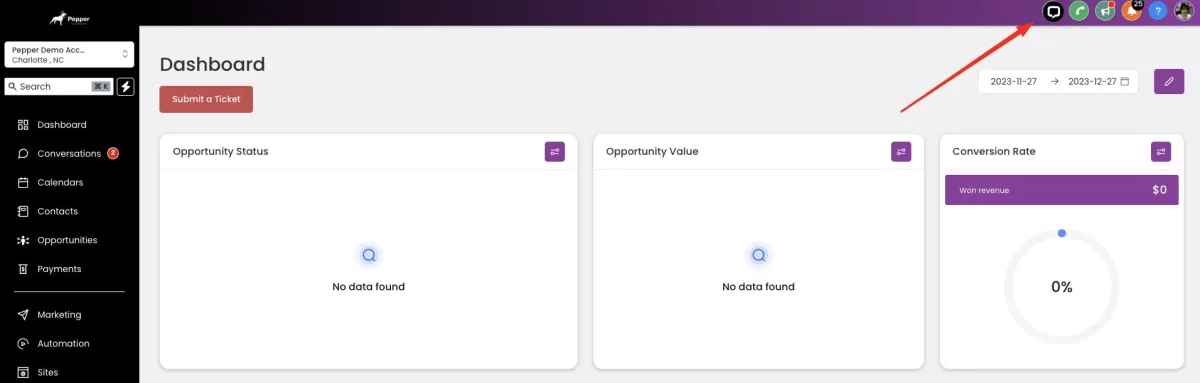
Step 1: Click the chat bubble at the top right side of your screen. This will usually take you to a dedicated page that contains a list of commonly asked questions and their respective answers.
Step 2: If you have a specific question in mind, you can browse through the categories or use a search bar to find relevant FAQs.
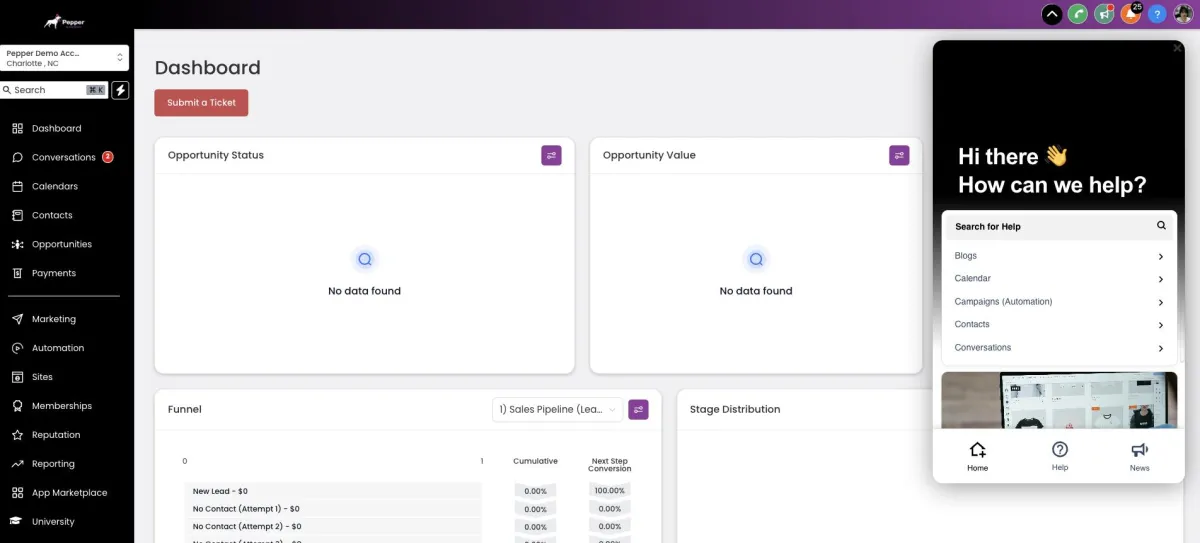
Step 3: On the guide page, you'll often find the questions organized into different categories or sections for easy navigation.

Step 4: Click on the category or question that matches your query or interest. This will typically reveal the answer to the question, either by expanding the answer directly on the page or redirecting you to a separate page with the answer.
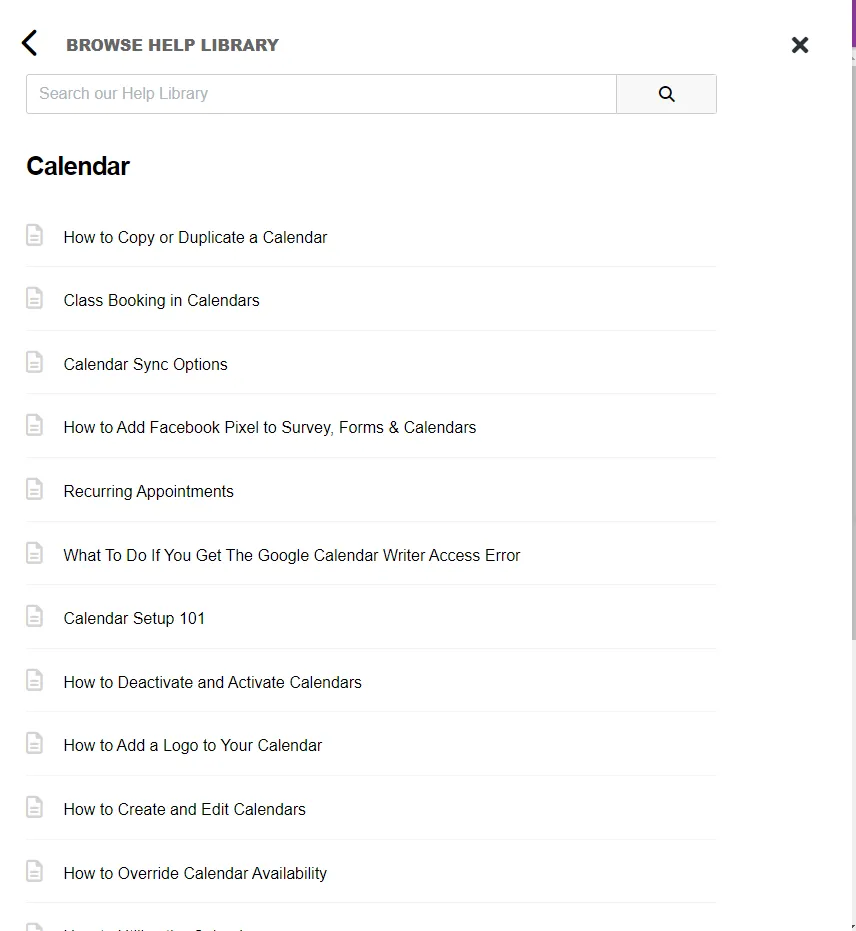
Continue browsing through the guide until you find the information you're looking for or until you've read through all the relevant questions and answers.